For portrait and family photographers
Photo proofing for portrait and family photographers
Skerp lets a family choose the photos their package includes, on one link, with stars and side-by-side compare for near-identical frames. Both parents can choose together.
John Doe
Autumn family session
4 of 6 reviewed · 3 approved · 1 rejected
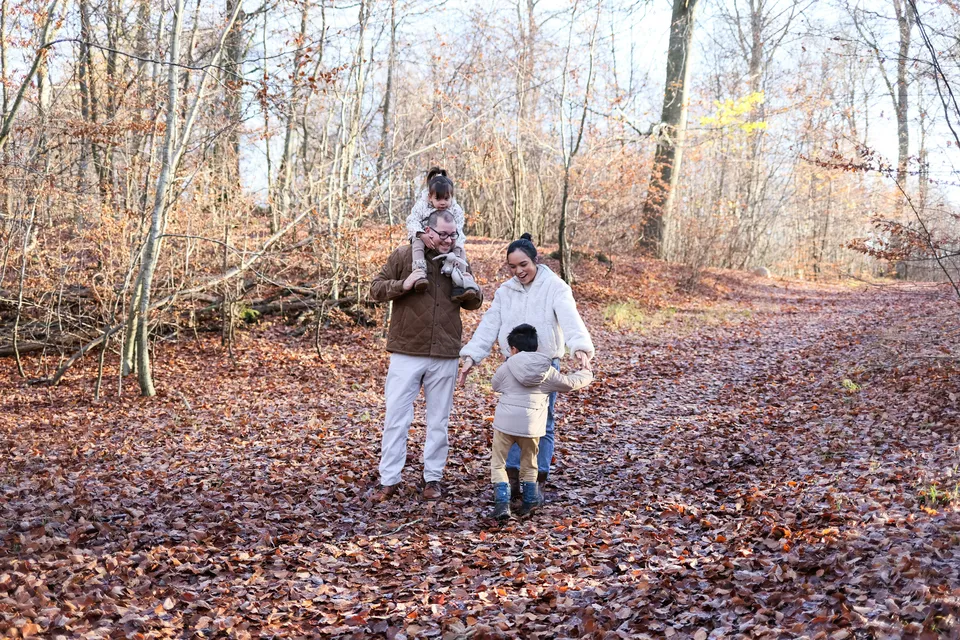
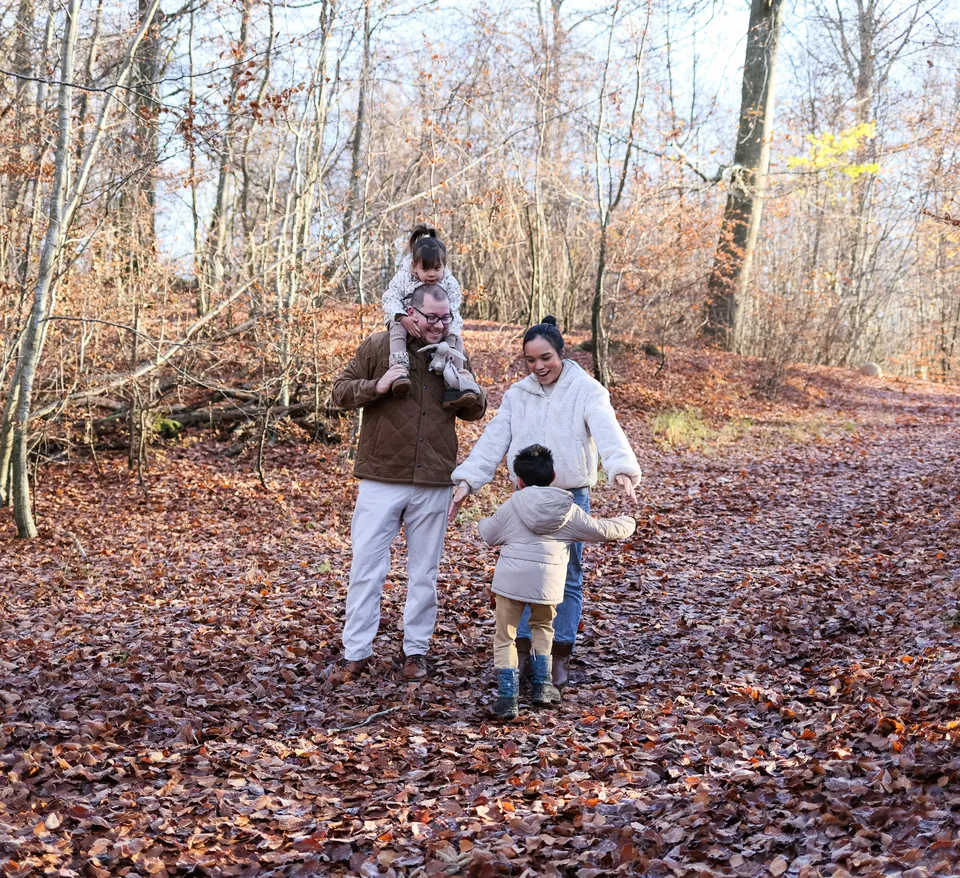
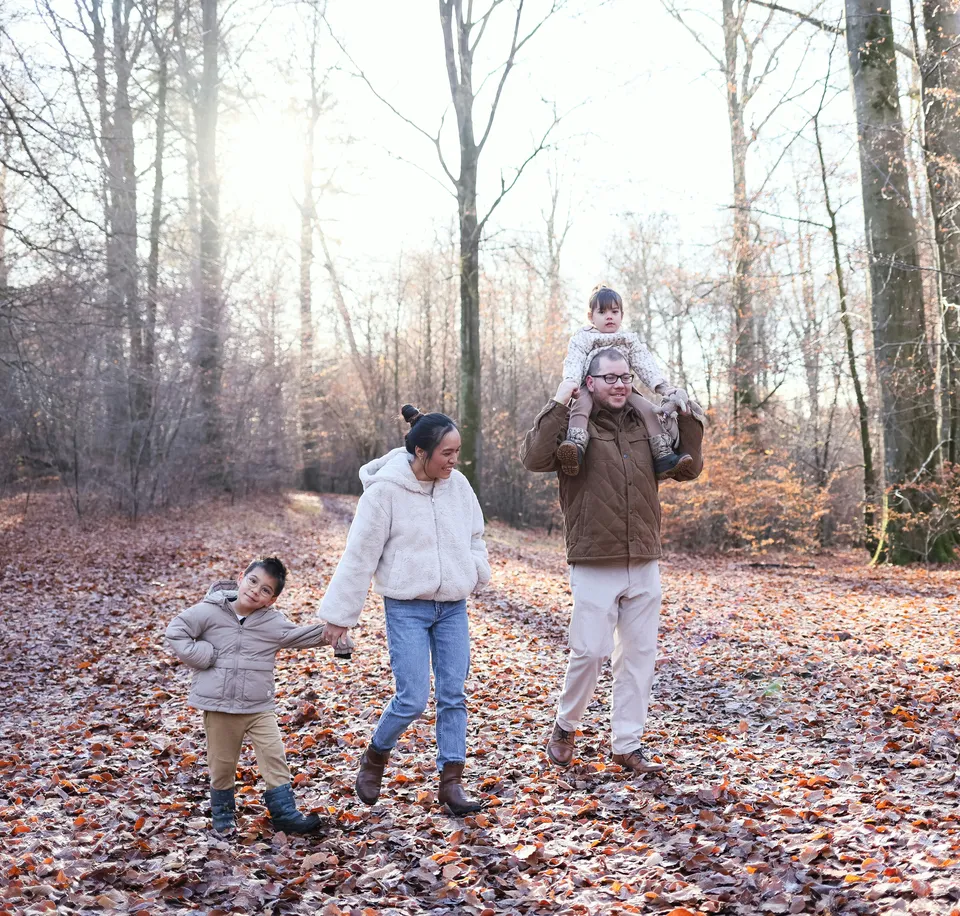
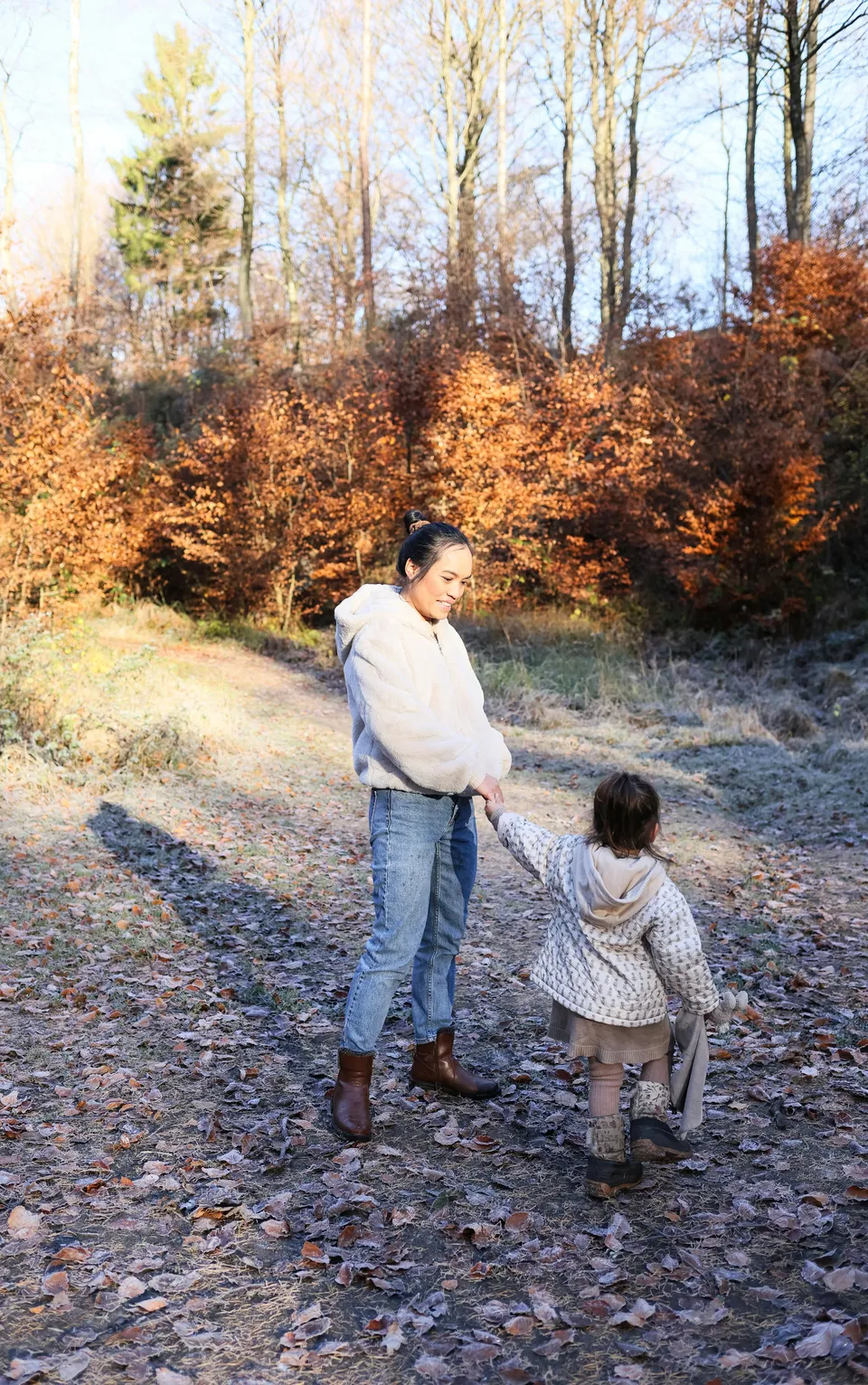
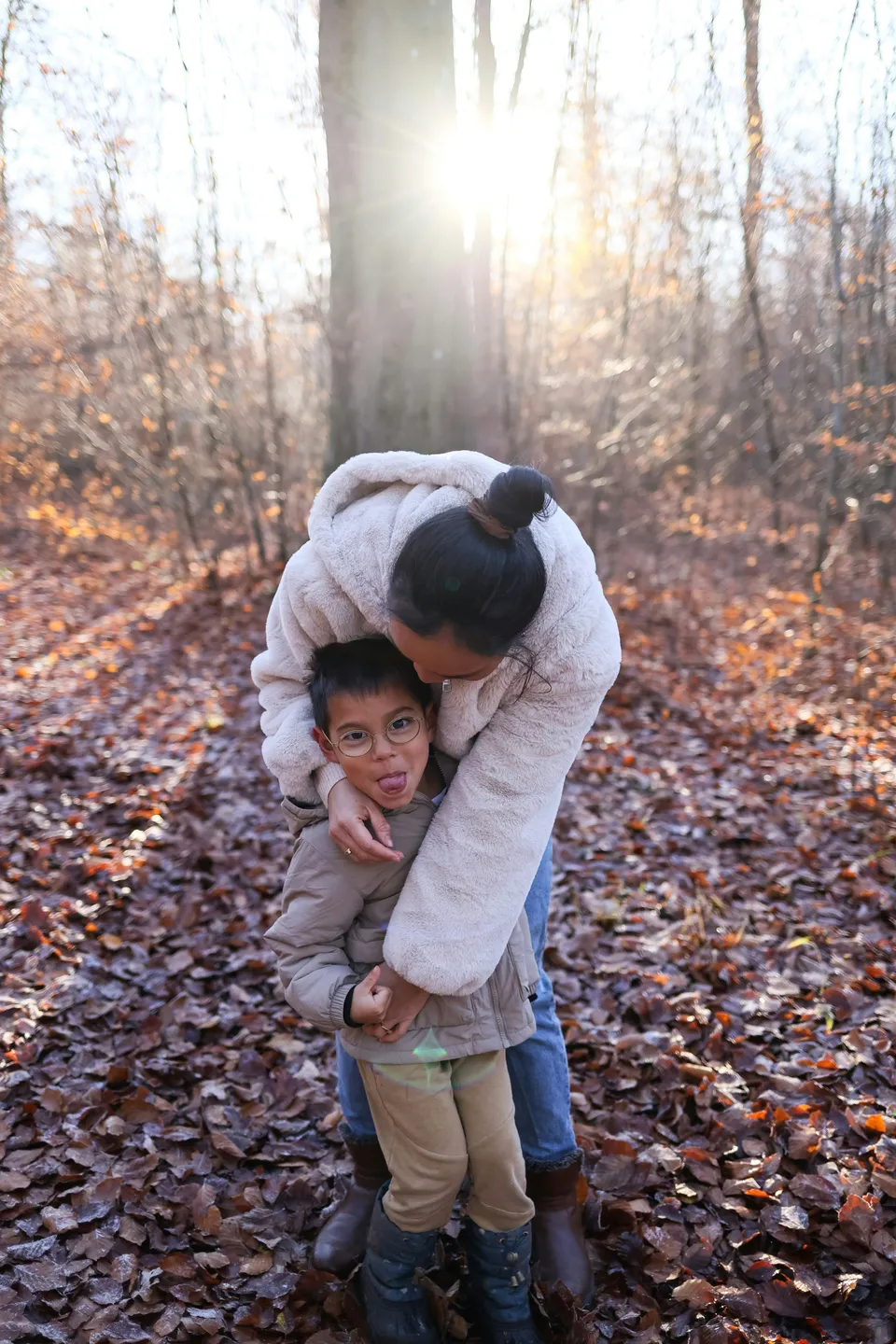
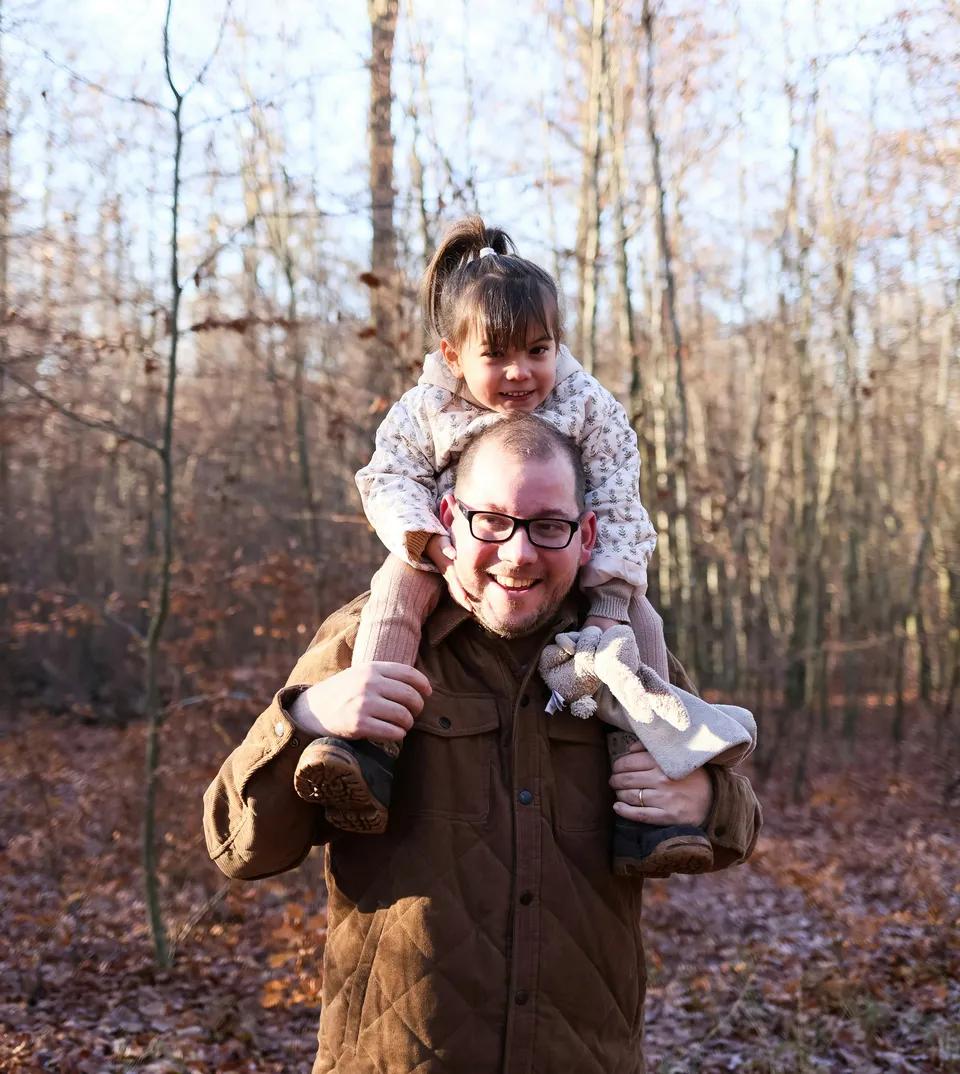
It works on any device, so both parents can choose on their own devices, and you get the list for the retouch and the lab. Photos to choose can be any number, at least, at most, exactly or between, on every plan.
A family round
After the session Drop the cull on Skerp and share one link with the family. A password keeps the children’s photos to the people you send it to.
The package Set Photos to choose to the package: exactly 12, or at most 20. The bar shows how many they have, and Approve selection waits until it adds up.
Two parents, two devices Each opens the same link, one on a laptop, one on a phone, and sees the other’s marks appear. The last mark on a photo counts, and whoever presses Approve selection sends it for both, so they decide together who sends.
A working example: one client gallery on a tablet and on a phone, and your gallery page beside them, updating as the client chooses. Nothing is sent. A working example of a client’s gallery. Nothing is sent. John Doe
Autumn family session
4 of 6 reviewed · 3 approved · 1 rejected
A working example of a client’s gallery. Nothing is sent. John Doe
Autumn family session
4 of 6 reviewed · 3 approved · 1 rejected
Autumn family session
SharedJane is in the gallery
3 of 6 approved, 1 rejectedJane approved DSC_7105 · 14:28
Which of these three Stars mark the favourites, and compare puts near-identical frames side by side, zoomed in together, until one stays.
Two frames of the shoot side by side, with the client’s decision on each. A drawn example. Retouch notes “Soften the shadow here”, “a little less blue”: the family marks the spot and writes: an annotation. You resolve each one as you edit.
A working example of annotations on a photo. Nothing is sent. Annotations
3 annotations on 1 photo · 1 resolved
Jane
Could her face be a little brighter?
You Yes. I’ll lift it a touch in the finals.
Jane
This crop for the card, with more of the trees on the left.
card-layout.pdf
Resolved (1)
Same one as DSC_7105, but with him looking at the camera?
Two more, after all If they ask for more than the package, reopen the selection: they add photos and send again.
To the lab, to the family The approved file names go to your lab as a list. The edited photos go back on a download link or in a download gallery.
A working example of the two ways to hand over finished photos: a download link and a download gallery. Nothing is sent. Autumn family session

What matters here
- Photos to choose The package as a number the gallery holds them to. Every plan
- Compare side by side Near-identical frames next to each other, zoomed in together. Every plan
- Star ratings Favourites at a glance, for them and for you. Every plan
- Annotations Retouch wishes pinned to the spot they mean. Every plan
- Reopen selection When the family wants to change or add, without a new gallery. Every plan
Needs and answers
| What the round needs | In Skerp |
|---|---|
| A package of a set size | Photos to choose: exactly, at least, at most or between |
| Both parents choosing | One link, one shared set of marks, live on both devices |
| Picking between near-twins | Compare side by side, and stars |
| Retouch wishes | Annotations on the spot, resolved by you |
| Extra photos | Reopen the selection; they add and send again |
| Prints and products | Skerp does not: no store or ordering. Send the approved file names to your lab |
1 more row
| What the round needs | In Skerp |
|---|---|
| Payment for extra photos | Skerp does not take payments |
Plans
Free
$0
No card, no end date
Every proofing feature, for your first galleries.
Standard
$15 a month
$12 a month billed yearly · $36 less a year
Your brand, watermarks and Skerper for Lightroom.
Pro
$29 a month
$22 a month billed yearly · $84 less a year
Ten times the storage, and Albums.
Studio
Made to measure
A team in one account, made to measure.
What each plan includes
Free
- 3 active galleries
- 3 GB of storage
- Every proofing feature
- Proof galleries, download links and download galleries
- A small “Powered by Skerp” on your galleries and client emails
Standard
- Unlimited galleries
- 50 GB of storage
- Your logo and colour; no Skerp line
- Watermarks
- PDF contact sheets and proof reports
- Skerper for Lightroom
- Insights: who opened what, and when
Pro
- Everything in Standard
- 500 GB of storage
- Albums: finished work as a designed book
Studio
- Everything in Pro
- Owner, Admins and Photographers
- Review before a gallery reaches the client
- Shared branding, clients and projects
- Upload links
- No Skerp anywhere
Plans, files and data
10 lines: plans, files, data
- What it is
- Photo proofing and delivery for professional photographers
- Who it is for
- Photographers whose clients choose, comment on and approve photos
- Price from
- Free · Standard $15 a month, or $12 a month billed yearly
- Trial
- 14 days of Standard with Albums on every new account, no card
- Your client needs
- A browser on any device, from a computer to a phone; no account, no app
- Files
- JPG, PNG, WebP and HEIC
- Galleries
- Free 3 active galleries · Standard and Pro unlimited
- Storage
- Free 3 GB · Standard 50 GB · Pro 500 GB
- Lightroom
- Skerper for Lightroom Classic, Standard and up; file names on every plan
- Where your data is
- In the EU
Questions
Can both parents choose?
Yes, on the same link and each on their own device. They see each other’s marks as they are made; the last mark on a photo counts, and the first to press Approve selection sends it for both.
What if they want more photos than the package?
They can mark more, but Approve selection waits until the count fits the number you set. If you agree to more, change the number, or reopen the selection after they have sent it.
Can grandparents see the photos too?
Yes, with the same link. They see the parents’ marks and can change them, so share it with them to look, or ask them to comment rather than tick.
2 more questions
Are the children’s photos private?
Galleries open only from the link, are not indexed by search engines, and can carry a password. Photo links are signed and expire after about an hour, and your photos stay in the EU.
Can the family order prints through Skerp?
No. Skerp has no store. The approved file names go to your lab as a list.