Guide
What is photo proofing?
Photo proofing is the step where a photographer shows a client the photos from a shoot and the client chooses the ones they want. Today it is mostly done online, from a link.
John Doe
Model tests, March
8 of 24 reviewed · 6 approved · 2 rejected
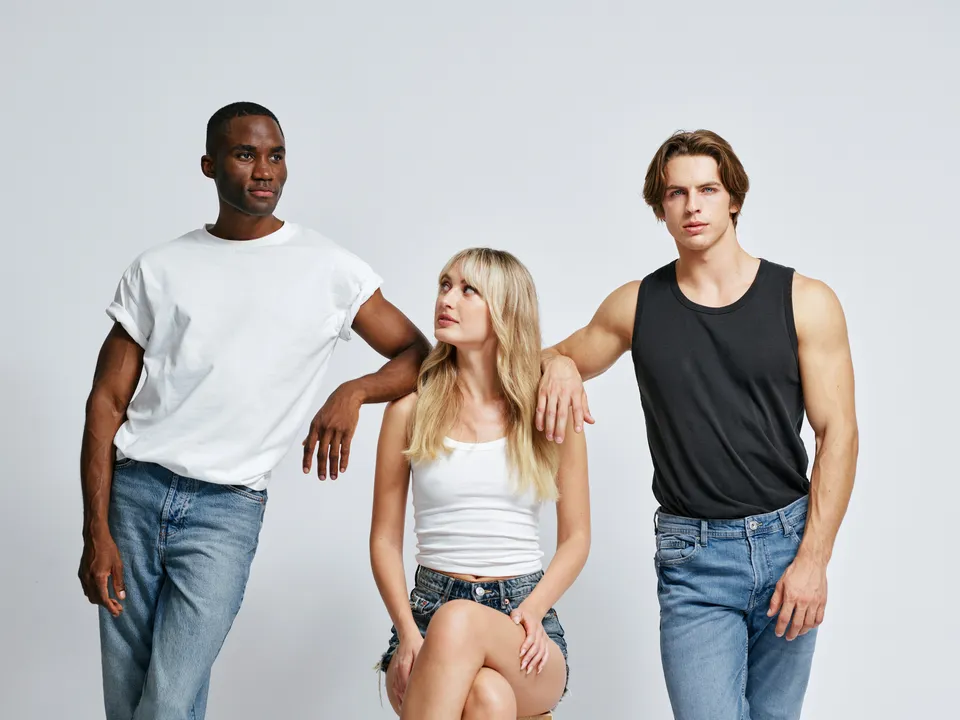










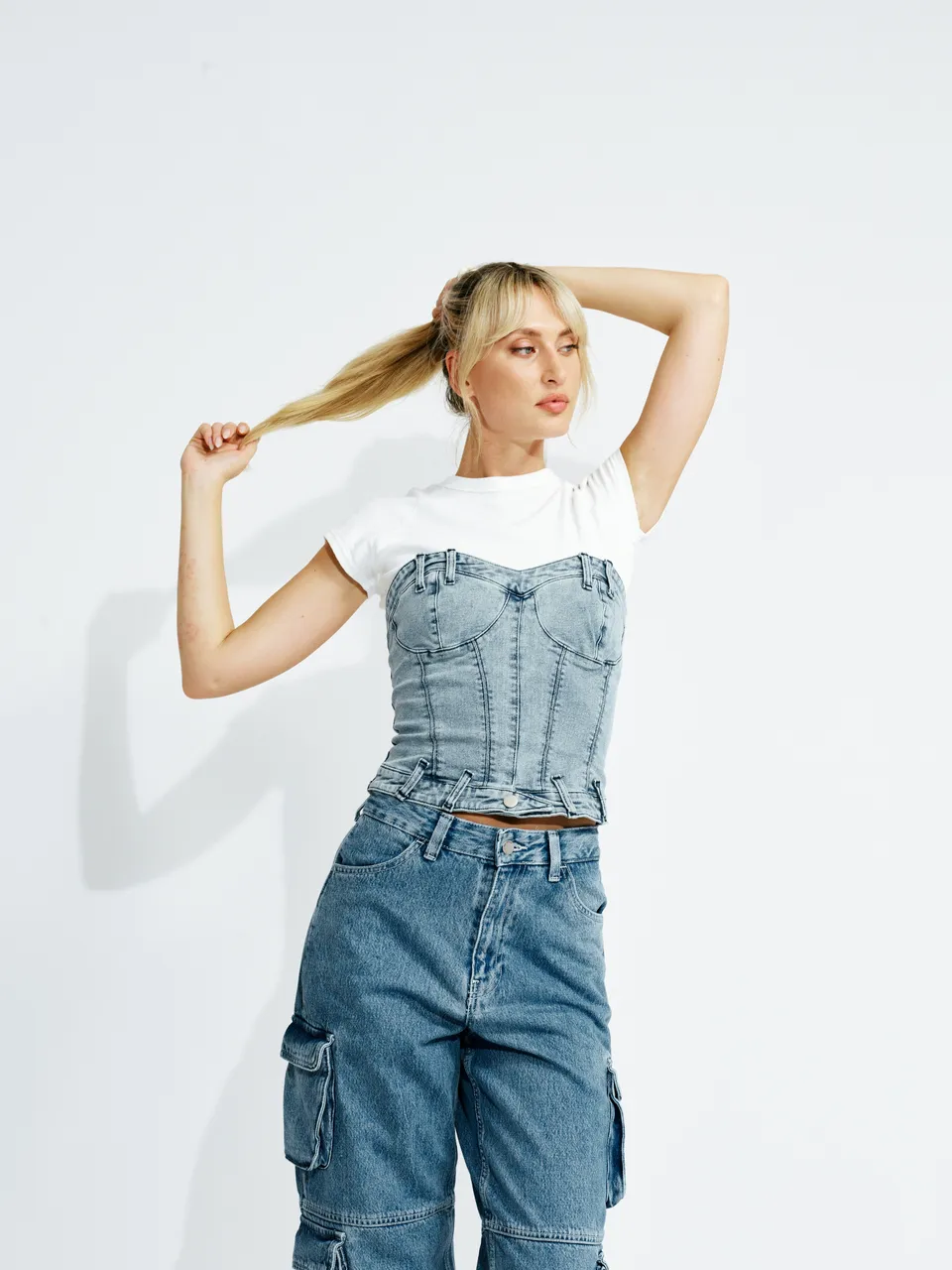






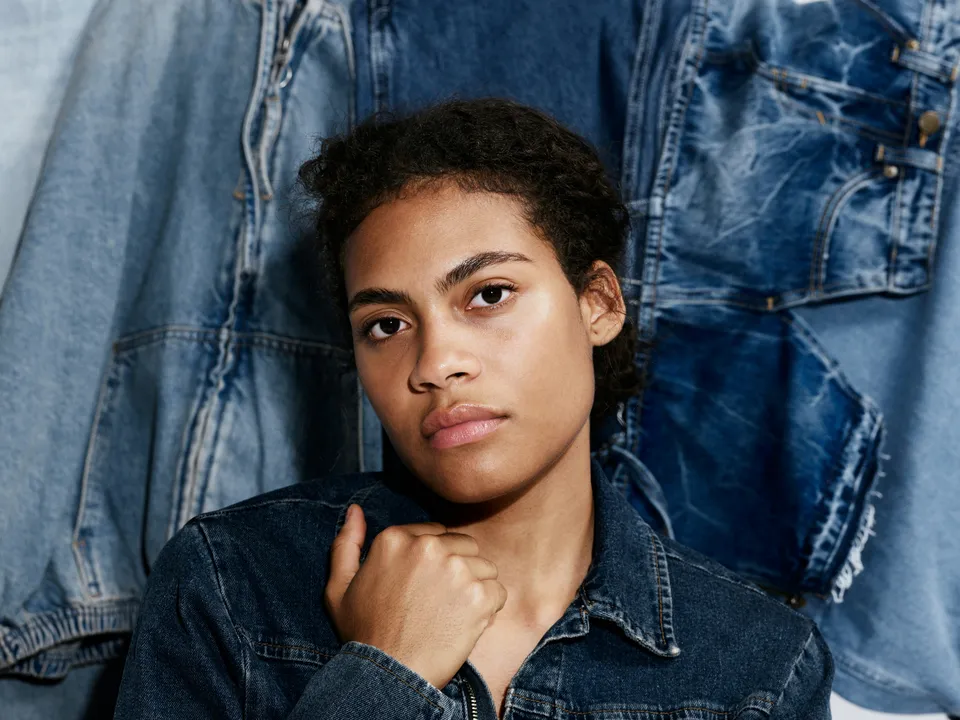


It happens before the final edit or delivery. The client opens a gallery from a link, marks the photos they want and sends the selection back.
A proofing round, step by step
The cull The photographer goes through the shoot and keeps the frames worth showing. The client never sees the rest.
The proofs The kept frames are exported as proofs: previews good enough to judge, often watermarked, and named so each one can be found again later.
Sharing The proofs go to the client in a gallery, usually behind one link, sometimes with a password or a closing date.
Choosing The client looks through them and says yes or no to each, and often adds stars, comments or an annotation on one spot of a photo.
The selection When they are done, the client sends their choice back. The photographer now has a list of the chosen photos and the feedback on them.
Editing and delivery The photographer edits the chosen photos and delivers them as finished files, and sometimes as prints or an album.
The words around it
| Term | What it means |
|---|---|
| Proof | A preview of a photo shown for choosing, not the finished file |
| Proof gallery | The online gallery where the client chooses from the proofs |
| Selection | The photos the client chose, sent back as a whole |
| Proof mark or watermark | A mark over the proofs, so a preview is not used as the final |
| Proof file | A list of the chosen file names, to find the photos in your editing software |
| Finals | The edited photos the client receives |
| Download gallery | A gallery for handing over the finals, where the client downloads instead of choosing |
| Download link | One page where the client downloads every delivered photo in one press |
How proofing tools differ
| What to look for | Why it matters |
|---|---|
| How the client chooses | A favourites list only says yes. Approve and reject also says no, so you know what was seen and turned down. |
| Whether the client needs an account | Every sign-up step is a place a client can stop. |
| How feedback arrives | A comment per photo is one thing; an annotation on the exact spot saves a round of “which part?”. |
| How the selection reaches your editor | A list of file names you paste, or a plugin that marks the photos in your catalog. |
| What it works on | Your client may choose on a laptop at work or on a phone on the way home. |
| Where the photos are kept | Your client’s photos are personal data; the country matters to some clients. |
| What else comes with it | Some tools come with a store, a website and invoicing. Useful if you want them, extra if you don’t. |
Photo proofing in Skerp
- 1
Upload
Drop exports or a whole folder on any page. JPG, PNG, WebP or HEIC.
- 2
Share
Copy the link, show a QR code or email it, with a password if needed.
- 3
Your client chooses
They mark ✓ on the photos they want, then press Approve selection.


In Skerp a round is three steps. You drop the exported photos on a page, share one link, and your client chooses on a computer, a tablet or a phone, with no account. They mark ✓ on the photos they want, ✕ on the ones they don’t, and approve the selection when they are done.
You see each approval as it happens. The selection comes back as a list of file names on every plan, or straight into Lightroom Classic with the Skerper plugin on Standard and up. When the finals are ready, Deliver sends them as a download link, or turns the same gallery into a download gallery.
See how it worksPhoto proofing is not soft proofing
In Lightroom and Photoshop, soft proofing means previewing on screen how a photo will look when printed on a given paper and printer. It is about colour, and nobody else is involved. Photo proofing with a client is about choosing which photos to finish. The two share a word and nothing else; a print lab’s “proof”, a test print, is a third meaning.
Plans, files and data
10 lines: plans, files, data
- What it is
- Photo proofing and delivery for professional photographers
- Who it is for
- Photographers whose clients choose, comment on and approve photos
- Price from
- Free · Standard $15 a month, or $12 a month billed yearly
- Trial
- 14 days of Standard with Albums on every new account, no card
- Your client needs
- A browser on any device, from a computer to a phone; no account, no app
- Files
- JPG, PNG, WebP and HEIC
- Galleries
- Free 3 active galleries · Standard and Pro unlimited
- Storage
- Free 3 GB · Standard 50 GB · Pro 500 GB
- Lightroom
- Skerper for Lightroom Classic, Standard and up; file names on every plan
- Where your data is
- In the EU
Questions
Is proofing the same as culling?
No. Culling is the photographer’s own first pass. Proofing comes after: the client chooses from what the cull kept.
Should proofs be watermarked?
It depends on the client and the work. A watermark keeps a preview from being used as the final; some clients find it gets in the way of judging the photo. Many photographers mark proofs and deliver the finals clean.
Does the client need an account to choose?
Not with every tool. In Skerp, they open the link and choose; you decide whether to ask for their name.
2 more questions
How do the chosen photos get back to me?
As a list of the chosen file names, which you paste into your editing software’s search, or through a plugin that marks the photos in your catalog.
Is a proof gallery the same as a delivery gallery?
No. In a proof gallery the client chooses; in a download gallery they receive the finished photos. In Skerp a proof gallery leads to either a download link or, on the same link, a download gallery.